Logging In#
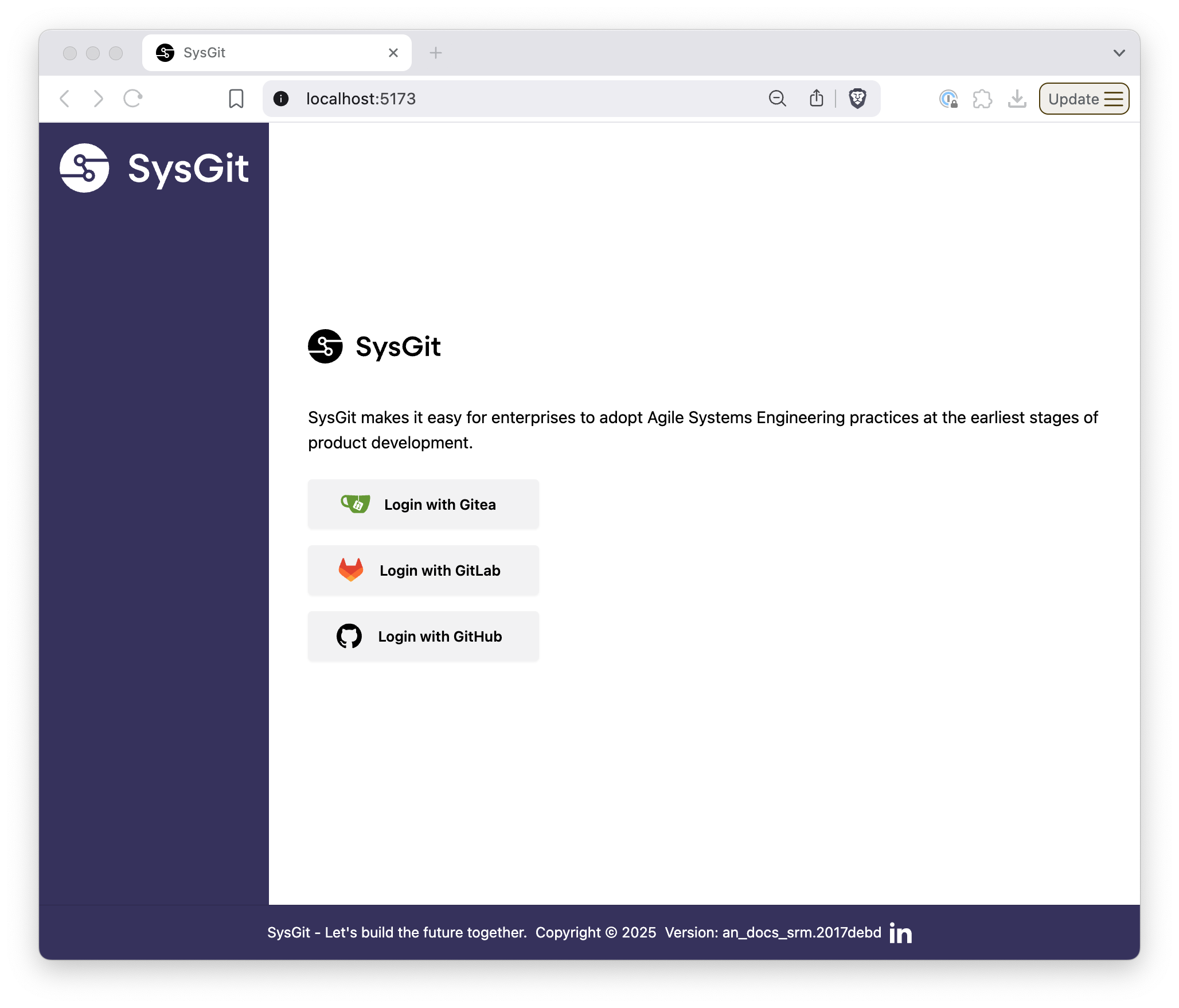
Once you have access to SysGit, users are always presented with a pre-login screen. On this screen you will click “login” (if only one git provider is set up) or select the relevant git provider of the ones you have authorized (if you have several set up). Once logged in, you’ll be presented with a list of available projects.
Projects and Repositories#
Upon logging in, users are presented with a list of projects they have access to. You might notice that these projects are actually a list of repositories available to you via your git provider! They are listed in order of last-updated, with starred repos placed at the very top.
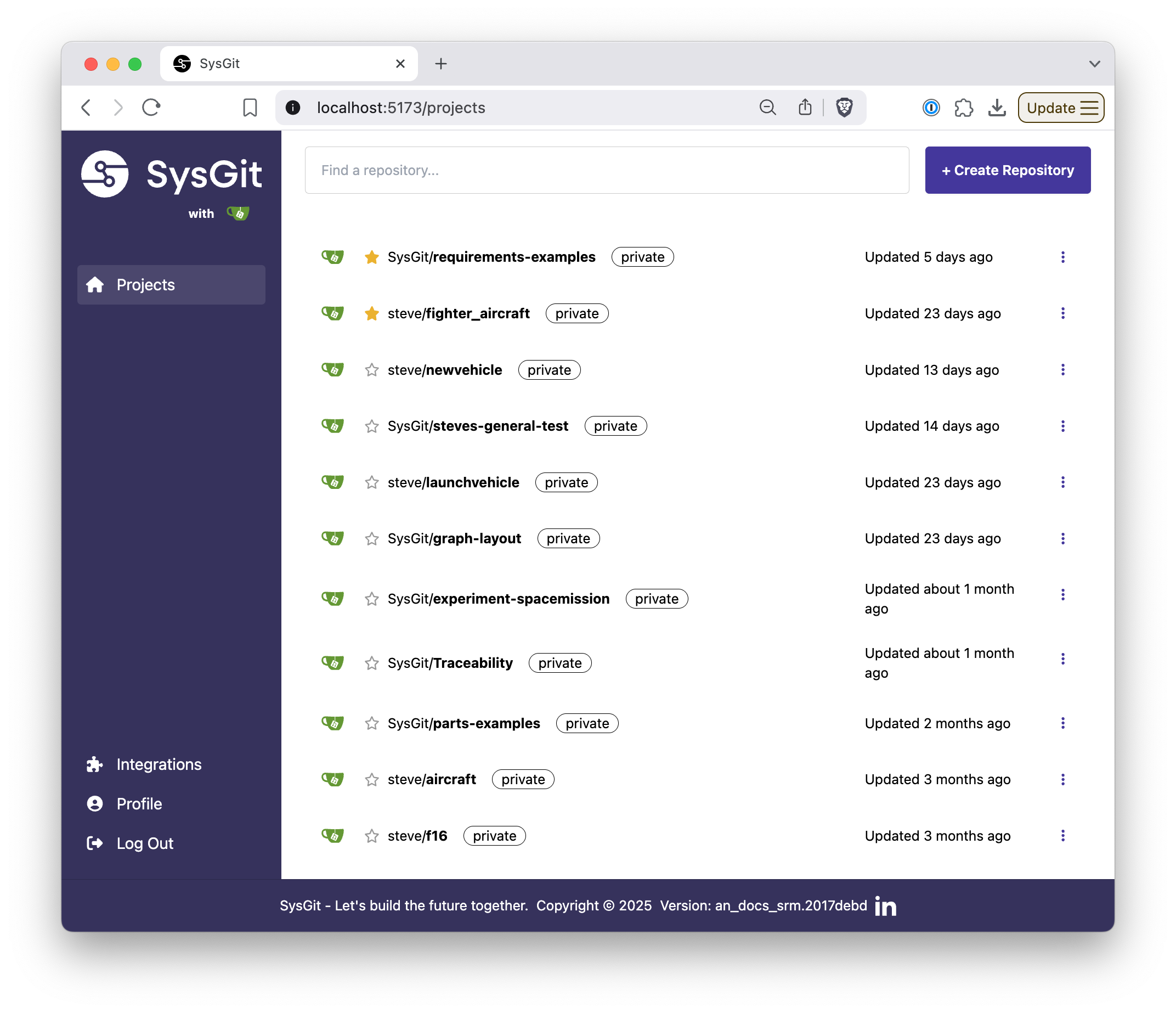
Depending on your user’s access to the Git provider, you may have the ability to create a new repository. By clicking the “Create Repository” button you’ll create a new project and then be taken to a Settings screen where you will be able to initialize the repo with a .sysml file or importing a spreadsheet.
If you navigate to an existing repository that has not been initialized with a .sysml file, you’ll also be prompted to create a blank file or import a spreadsheet.
Importing a Spreadsheet#
We know many users are not starting from zero, but instead may be coming from Excel or another platform. Our current release supports an initial import of Requirements from a Spreadsheet file with configurable columns. Our importer expects one row per requirements, no existing relationships, and can map the following columns:
- Short Name: a unique identifier like “REQ-1” or “GNC-4”
- Title: a non-unique text string used to give the requirement a Title, like “Target Orbit” or “Minimum Radar Reflective Characteristics”
- Doc: a long-form description of the requirement, often called a “shall statement”. This is the human-readable description of the requirement.
- Rationale: an optional field for detailing the rationale behind a requirement. Please note that a Title at minimum is always required.
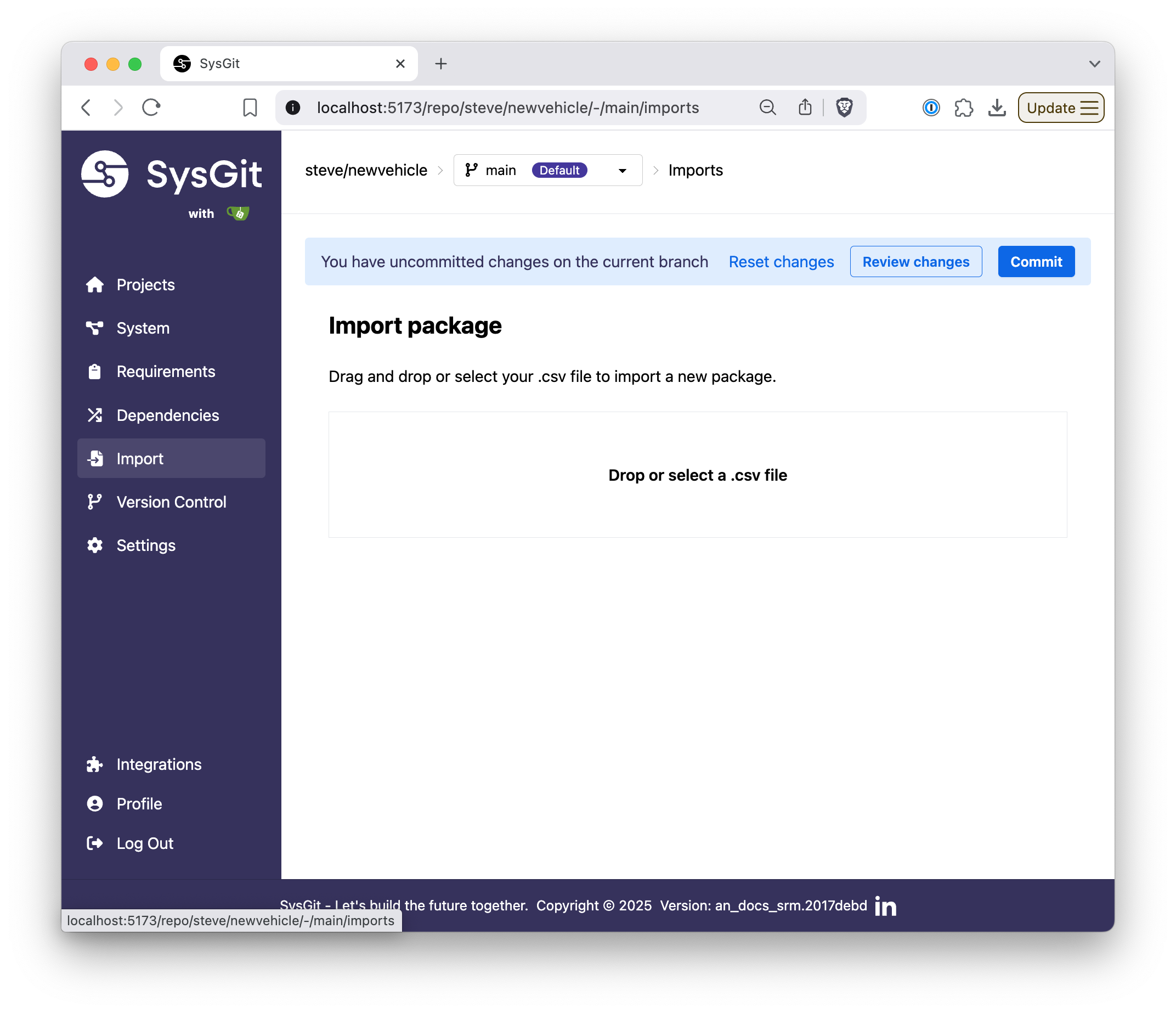
This importer then creates a SysML v2 file composed a syntactically valid set of Requirement objects contained within a Package, which is uploaded to your project repository.